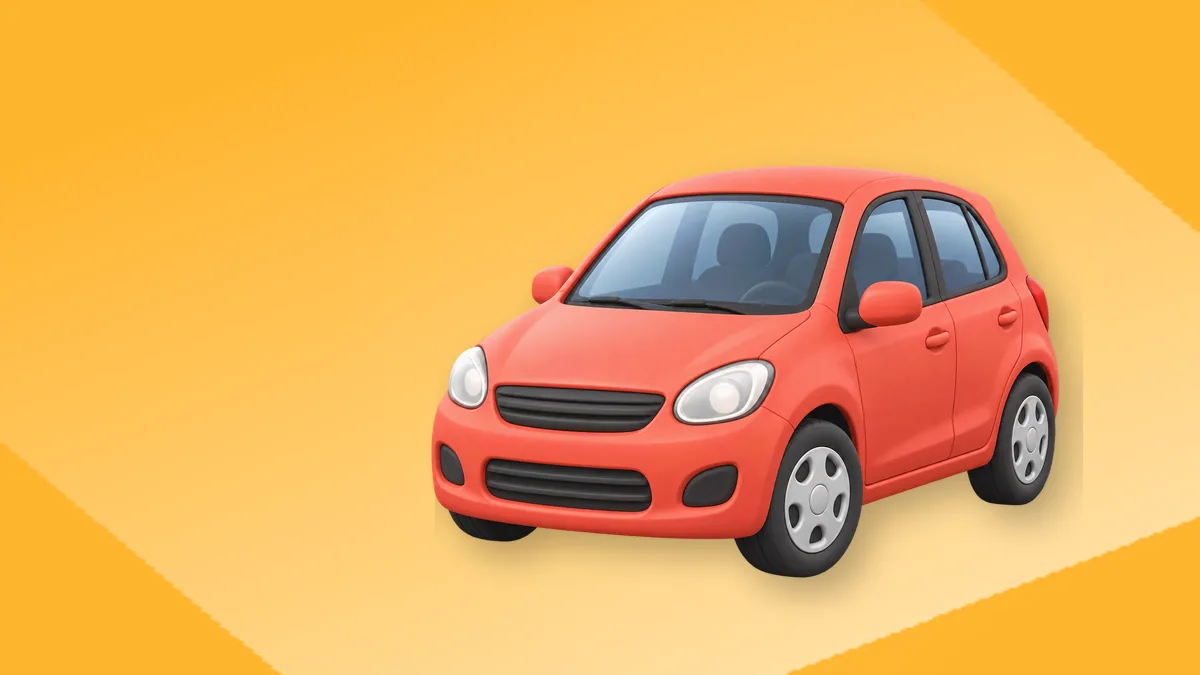
Kompyuterning asosiy qismlari inglizcha: screen yoki monitor (ekran), keyboard (klaviatura), mouse (sichqoncha), hard drive (qattiq disk) va processor (protsessor). Amallar qisqa fe’llar bilan aytiladi: click (bosmoq), drag (sudramoq), install (o‘rnatmoq), restart (qayta yoqmoq). Muammo bo‘lsa, eng ko‘p kerak bo‘ladigan gap: My laptop won’t turn on. I’ve already tried restarting it.
Hozir kompyuteringizga qarab uchta qismini inglizcha ayting: This is the screen, this is the keyboard, and this is the charger.

Kompyuter qismlari: 20 ta so‘z
| Inglizcha | Talaffuz | O‘zbekcha | Misol |
|---|---|---|---|
| computer, PC | [kom-PYU-ter], [pi-SI] | kompyuter | I need a new PC for design work. |
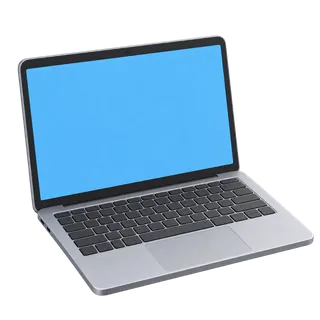
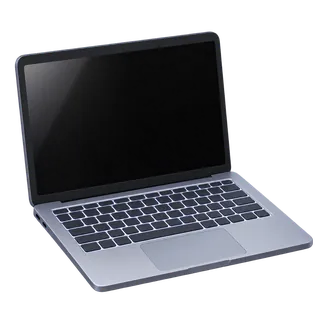
| laptop | [LEP-top] | noutbuk | My laptop is five years old. |
| desktop | [DESK-top] | stol kompyuteri; ish stoli (ekrandagi) | Save the file to your desktop. |
| screen, monitor | [skrin], [MO-ni-ter] | ekran, monitor | The screen is too dark. |
| keyboard | [KI-bord] | klaviatura | The keyboard has Russian and English letters. |
| key | [ki] | tugma (klaviaturada) | The E key is stuck. |
| mouse | [maus] | sichqoncha | My mouse stopped working. |
| touchpad | [TACH-ped] | sensorli panel | I don’t like using the touchpad. |
| processor, CPU | [PRO-se-ser], [si-pi-YU] | protsessor | The processor gets hot when I play games. |
| memory, RAM | [ME-mo-ri], [rem] | operativ xotira | It has 16 gigabytes of RAM. |
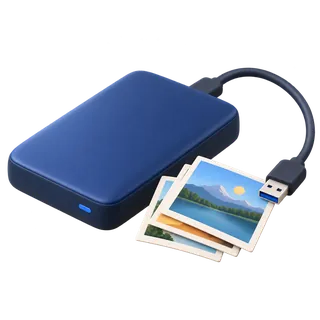
| hard drive, SSD | [hard drayv], [es-es-DI] | qattiq disk | The hard drive is almost full. |
| USB port | [yu-es-BI port] | USB kirish joyi | Plug it into the USB port. |
| cable | [KEY-bl] | kabel, sim | I need a longer cable. |
| charger | [CHAR-jer] | quvvatlagich | Did you bring your laptop charger? |
| speakers | [SPI-kerz] | karnay, dinamik | The speakers are too quiet. |
| webcam | [UEB-kem] | veb-kamera | My webcam doesn’t work in Zoom. |
| microphone, mic | [MAY-kro-foun], [mayk] | mikrofon | Can you hear me? Is my mic on? |
| printer | [PRIN-ter] | printer | The printer has run out of paper. |
| router | [RU-ter] (BrE), [RAU-ter] (AmE) | router | Turn the router off and on again. |
| power button | [PAU-er BA-tn] | yoqish tugmasi | Press and hold the power button. |
Mouse ko‘pligi ikki xil: mice yoki mouses; kompyuter sichqonchasi uchun ikkalasi ham ishlatiladi. Cable ni “kabel” emas, [KEY-bl] deng. Monitor da urg‘u birinchi bo‘g‘inda.
Klaviatura tugmalari va belgilar
Email yoki parolni telefonda aytishda eng ko‘p shu nomlar kerak bo‘ladi.
| Tugma, belgi | Inglizcha nomi | Misol |
|---|---|---|
| Enter | Enter | Type your name and press Enter. |
| Shift | Shift | Hold Shift for a capital letter. |
| Ctrl | Control | Press Control and C to copy. |
| Backspace | Backspace | Press Backspace to delete the last letter. |
| probel | space bar | The space bar is the longest key. |
| Caps Lock | Caps Lock | Caps Lock is on, that’s why it’s all capitals. |
| @ | at | It’s aziza at gmail dot com. |
| . | dot | www dot bandmate dot uz |
| / | slash | Type slash, then blog. |
| _ | underscore | My username is ali underscore 2008. |
| - | hyphen, dash | It’s spelled with a hyphen. |
| strelkalar | arrow keys | Use the arrow keys to move. |
Ko‘p o‘zbek o‘quvchilari @ ni “sobaka” deb o‘rgangan. Ingliz tilida u faqat at: my email is bekzod at mail dot ru. Manzil, telefon raqami va email aytish haqida batafsil manzil inglizcha sahifasida.
Amallar: 24 ta fe’l
| Inglizcha | Talaffuz | O‘zbekcha | Misol |
|---|---|---|---|
| turn on / switch on | [tyorn on] | yoqmoq | Turn on the computer and wait. |
| shut down | [shat daun] | o‘chirmoq (tizimni) | Shut down your laptop before you pack it. |
| restart | [ri-START] | qayta yuklamoq | Restart the computer after the update. |
| log in / log out | [log in], [log aut] | kirmoq / chiqmoq | Log in with your student ID. |
| click | [klik] | bosmoq | Click on the blue button. |
| double-click | [DA-bl klik] | ikki marta bosmoq | Double-click the icon to open it. |
| right-click | [RAYT-klik] | o‘ng tugmani bosmoq | Right-click and choose “Rename”. |
| drag and drop | [dreg end drop] | sudrab tashlamoq | Drag and drop the photo into the folder. |
| scroll | [skroul] | aylantirmoq, varaqlamoq | Scroll down to the bottom of the page. |
| select | [si-LEKT] | belgilamoq | Select all the text. |
| copy / paste | [KO-pi], [peyst] | nusxalamoq / qo‘ymoq | Copy the link and paste it here. |
| cut | [kat] | kesib olmoq | Cut this paragraph and move it up. |
| type | [tayp] | yozmoq (klaviaturada) | I type with two fingers. |
| save | [seyv] | saqlamoq | Don’t forget to save your work. |
| delete | [di-LIT] | o‘chirmoq (faylni) | I deleted the file by mistake. |
| download / upload | [DAUN-loud], [AP-loud] | yuklab olmoq / yuklamoq | Upload your CV to the website. |
| install / uninstall | [in-STOL], [an-in-STOL] | o‘rnatmoq / o‘chirib tashlamoq | Install the app and create an account. |
| update | [ap-DEYT] | yangilamoq | Windows is updating, please wait. |
| attach | [e-TECH] | ilova qilmoq | I attached the file to the email. |
| [print] | chop etmoq | Can you print two copies? | |
| zoom in / out | [zum in] | kattalashtirmoq / kichraytirmoq | Zoom in, I can’t read it. |
| plug in / unplug | [plag in], [an-PLAG] | ulamoq / uzmoq | Unplug the printer and plug it in again. |
| freeze | [friz] | qotib qolmoq | The screen froze in the middle of my test. |
| crash | [kresh] | ishdan chiqmoq | The program crashed and I lost everything. |
Turn off va shut down farqi: turn off — umumiy (chiroq, televizor), shut down — kompyuterni dastur orqali to‘g‘ri o‘chirish. Delete va uninstall: faylni delete, dasturni uninstall qilasiz.







Texnik yordam dialogi
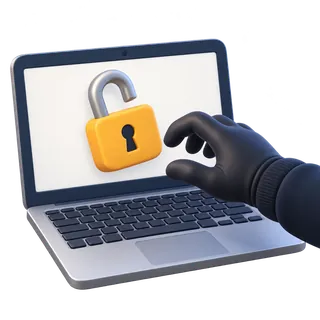
Universitet kutubxonasi. Talaba Sardor noutbuki bilan IT yordam xonasiga kirdi.
Sardor: Hi, sorry to bother you. My laptop has a problem and I have an exam tomorrow.
Technician: No problem. What’s happening?
Sardor: It turns on, but after the logo the screen just goes black.
Technician: Have you tried restarting it?
Sardor: Yes, three times. Same thing.
Technician: Did you install anything new recently?
Sardor: Yesterday it installed a big update. I didn’t click anything, it just started.
Technician: OK. Press and hold the power button for ten seconds, then turn it on again and keep pressing F8.
Sardor: Like this? Oh, now there’s a blue menu.
Technician: Good. Choose “Safe Mode”. We’ll uninstall the update from there.
Sardor: Will I lose my files?
Technician: It shouldn’t delete anything, but do you have a backup?
Sardor: Some of it is on Google Drive. My project is on the desktop.
Technician: Then let’s copy that folder to a USB stick first. Better safe than sorry.
Dialogdagi foydali qoliplar: It turns on, but… (muammoni aniq tasvirlash), Have you tried…ing? (maslahat so‘rash), Will I lose…? (xavotirni aytish). F8 va Safe Mode bu yerda faqat misol: har bir kompyuterda tartib boshqacha bo‘lishi mumkin.
Kompyuter haqida gapirgandagi odatiy xatolar
| Xato | To‘g‘ri | Izoh |
|---|---|---|
| My computer is not turning. | My computer won’t turn on. | turn on birga; won’t — ishlamayapti. |
| Press to the button. | Press the button. / Click on the button. | press dan keyin predlog yo‘q. |
| I downloaded my CV to the site. | I uploaded my CV to the site. | Saytga — upload, saytdan — download. |
| Open the computer. | Turn on the computer. | open — faylni yoki qopqoqni ochish. |
| My email is ali sobaka gmail. | It’s ali at gmail dot com. | @ — at. |
| I deleted the program. | I uninstalled the program. | Dastur — uninstall. |
Internetdan foydalanish odatlari haqidagi IELTS savollari va go online, look something up kabi iboralar IELTS Speaking internet sahifasida. Dasturchilar ishlatadigan atamalar esa dasturlash atamalari inglizcha sahifasida. Smartfon sozlamalari va bildirishnomalar uchun telefon so‘zlari inglizcha sahifasiga o‘ting.
Mashq
A. Qismni toping.
- 1. You type on it.
- 2. It connects your home to the internet.
- 3. You use it to see people in a video call.
- 4. It stores all your files.
B. To‘g‘ri fe’lni tanlang.
- 5. Please (download / upload) your photo to the form.
- 6. I don’t use this app any more, so I’ll (delete / uninstall) it.
- 7. (Drag / Scroll) the file into the folder.
- 8. The screen (froze / closed), and I couldn’t click anything.
C. Belgini inglizcha o‘qing.
- 9. info@school.uz
- 10. Ctrl + V
Javoblar
1 — a keyboard; 2 — a router; 3 — a webcam; 4 — a hard drive (SSD); 5 — upload; 6 — uninstall; 7 — drag; 8 — froze; 9 — info at school dot uz; 10 — Control V (paste).
Texnik muammoni Bandiga tushuntirib ko‘ring
BandMate ilovasida Bandi bilan “IT yordam xonasida” vaziyatini o‘ynang: siz muammoni tasvirlaysiz, Bandi What happens when you turn it on? Have you tried…? deb so‘raydi. Won’t turn on, crashed, froze kabi fe’llarni gapda ishlatishga harakat qiling. Talaffuzda cable, router, delete urg‘usini noto‘g‘ri aytsangiz, ilova ko‘rsatadi.
BandMate’ni Google’da afzal manba qiling